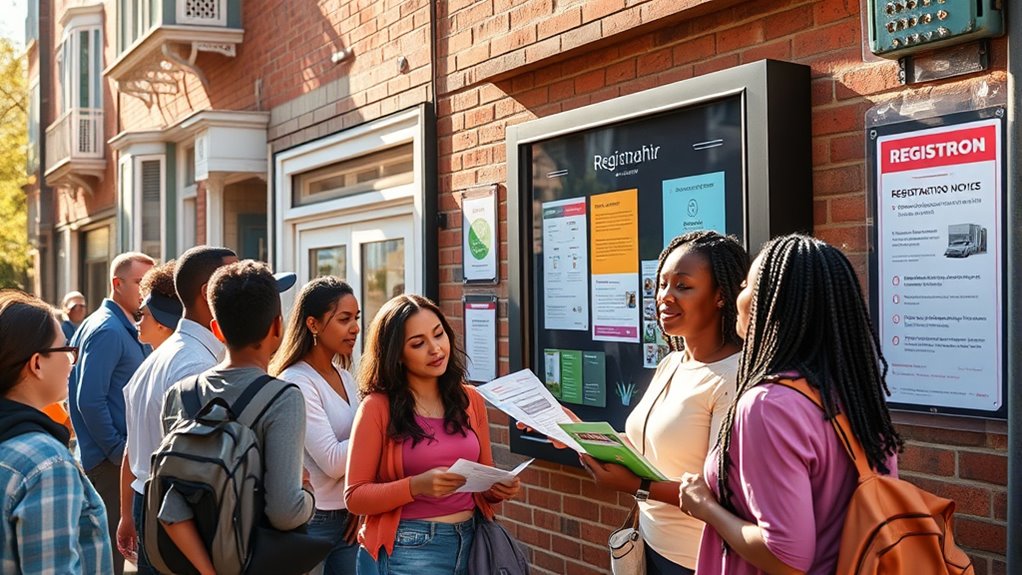

To sign up for community alerts and registries, visit your local municipality’s website or the neighborhood portal, where you can register using your contact details like your phone number and email. Many systems allow you to customize which alerts you want to receive, such as weather updates or safety notices. Make sure your info stays current for the best protection. Keep exploring, and you’ll discover more ways to stay informed and involved in your community’s safety.
Key Takeaways
- Visit your local government or community website to find the official alert registration portal.
- Provide your contact details, such as phone number and email, to receive notifications.
- Select preferred alert types like weather, safety, or road closures if customization options are available.
- Keep your contact information updated regularly through online portals or mobile apps.
- Join neighborhood watch programs that integrate with community alert systems for enhanced safety communication.
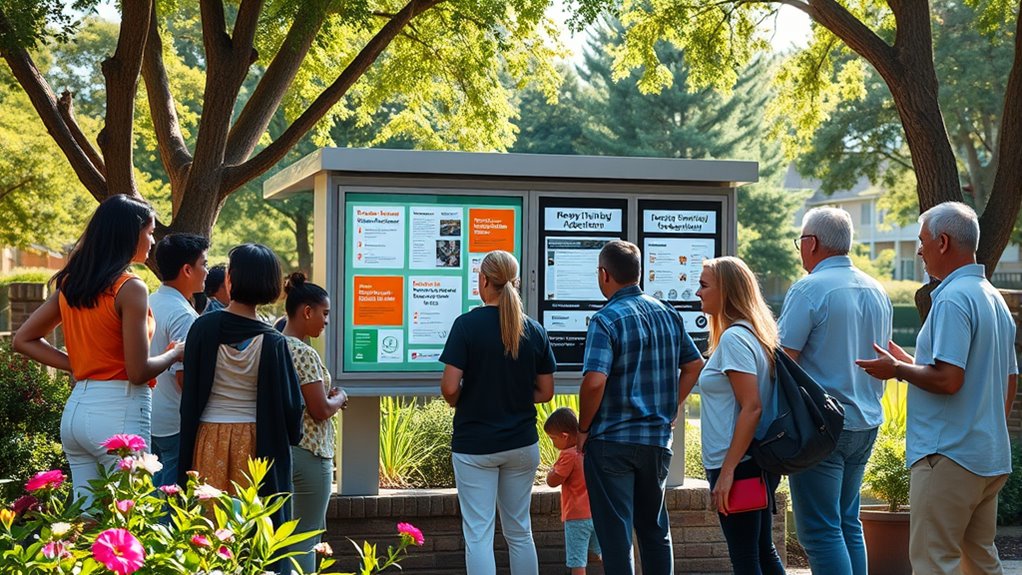
Community alerts and registries are essential tools that keep residents informed and protected. By signing up for these services, you gain access to timely emergency notifications that can alert you to threats like severe weather, criminal activity, or public safety emergencies in your area. These alerts guarantee you’re not caught off guard, giving you the chance to take swift action to safeguard yourself, your family, and your property. Whether it’s a natural disaster or a security concern, community alert systems are designed to deliver critical information directly to your phone, email, or landline, making sure you stay connected and aware.
Getting started with community alerts is usually straightforward. Most municipalities and neighborhoods offer online registration portals where you can sign up using your contact details. When you register, it’s important to include multiple ways to reach you—such as your mobile number and email address—so you don’t miss any emergency notifications. Some systems also allow you to specify the types of alerts you want to receive, whether it’s weather warnings, road closures, or safety alerts related to neighborhood watch activities. This customization helps guarantee you only get the information relevant to your location and interests, reducing unnecessary notifications while staying informed about critical issues.
Register with community alert systems using multiple contact methods for timely emergency notifications.
Many communities encourage residents to join or establish a neighborhood watch program as part of their safety strategy. When you participate in a neighborhood watch, you’re actively involved in monitoring local crime trends and reporting suspicious activity. This collective effort can profoundly reduce crime rates and foster a safer environment. Neighborhood watch programs often work in tandem with community alert systems, providing a direct line of communication between residents and local law enforcement. By signing up for these alerts, you’ll receive updates about recent incidents or ongoing investigations, which can help you stay vigilant and aware of any potential threats.
To maximize the benefits of community alerts and registries, make sure your contact information is always current. Many platforms allow you to update your details online or through a mobile app, ensuring you continue to receive emergency notifications without interruption. Additionally, it’s a good idea to participate in community meetings or digital forums where alerts are discussed and coordinated, especially if your neighborhood has a dedicated security team or neighborhood watch group. Staying engaged and informed helps you respond quickly to emergencies, contributes to neighborhood safety, and fosters a stronger sense of community. Signing up for community alerts isn’t just about receiving notifications; it’s a proactive step to protect yourself and your neighbors, creating a safer, more connected living environment for everyone. Utilizing projectors with high-quality features can further enhance your home safety and security awareness through visual alerts and information displays.
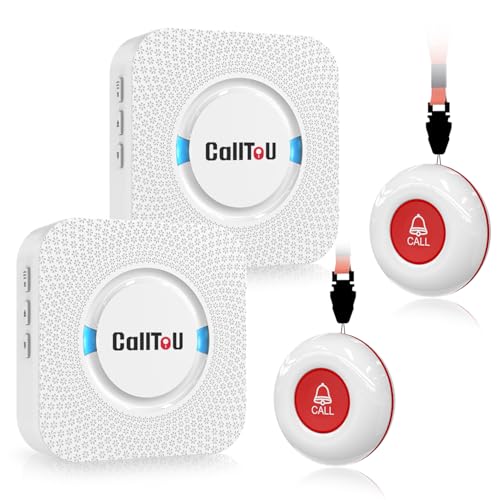
CallToU Wireless Caregiver Pager Smart Call System 2 SOS Call Buttons/Transmitters 2 Receivers Nurse Calling Alert Patient Help System for Home/Personal Attention Pager 500+Feet Plugin Receiver
- Wireless Call System: Includes 2 receivers and 2 call buttons
- Portable Design: Receivers are mobile within 500+ ft range
- Versatile Placement: Receivers plug into outlets; buttons can be worn or mounted
As an affiliate, we earn on qualifying purchases.
As an affiliate, we earn on qualifying purchases.
Frequently Asked Questions
Can Non-Residents Sign up for Local Community Alerts?
Yes, non-residents can sign up for local community alerts, but they need to meet specific registration requirements. You should check the local agency’s policies, as some may allow non-resident access while others might restrict registration to residents. Typically, you’ll need to provide a valid email or phone number, and sometimes additional identification. Be sure to follow the registration process carefully to stay informed about important community updates.
How Often Are Community Alerts Updated?
Think of community alerts as the heartbeat of your neighborhood, pulsing with essential updates. They’re usually refreshed according to an update schedule that varies by locality, often daily or weekly. The alert frequency depends on your community’s needs and the system’s settings. Stay vigilant by checking your alert settings regularly, ensuring you receive timely updates, just like tuning into a steady heartbeat that keeps you connected and safe.
Is There a Fee to Register for Alerts?
You won’t have to pay any registration fees or alert subscription costs to sign up for community alerts. Registration is typically free, making it easy and accessible for everyone. You just need to provide your contact information, such as your phone number or email, and then you’ll start receiving important notifications. There’s no charge involved, so you can stay informed without worrying about any hidden fees.
How Do I Unsubscribe From Alerts?
Think of unsubscribing as cutting the chains that hold you back. To do this, you simply access your alert account and look for unsubscribe options, often found in the email footer or your profile settings. You can also adjust alert frequency if you want fewer updates. Once you select “unsubscribe,” you’ll stop receiving alerts, freeing you from unwanted notifications and regaining control over your information flow.
Are Alerts Available in Multiple Languages?
Yes, alerts are available in multiple languages. You can choose your preferred language options to receive community alerts in a way that’s most understandable for you. Multilingual support is designed to make certain everyone stays informed regardless of language barriers. When signing up or managing your preferences, look for language settings or options, and select the language that best suits your needs to guarantee you receive alerts in your preferred language.
Conclusion
Signing up for community alerts and registries puts you at the heart of your neighborhood’s safety network. It’s like having a guiding lighthouse in a storm—bright, reliable, and always there when you need it most. By taking a few simple steps today, you’re not just protecting yourself; you’re strengthening the entire community. Remember, staying informed is your best shield—because together, we shine brighter against any darkness.