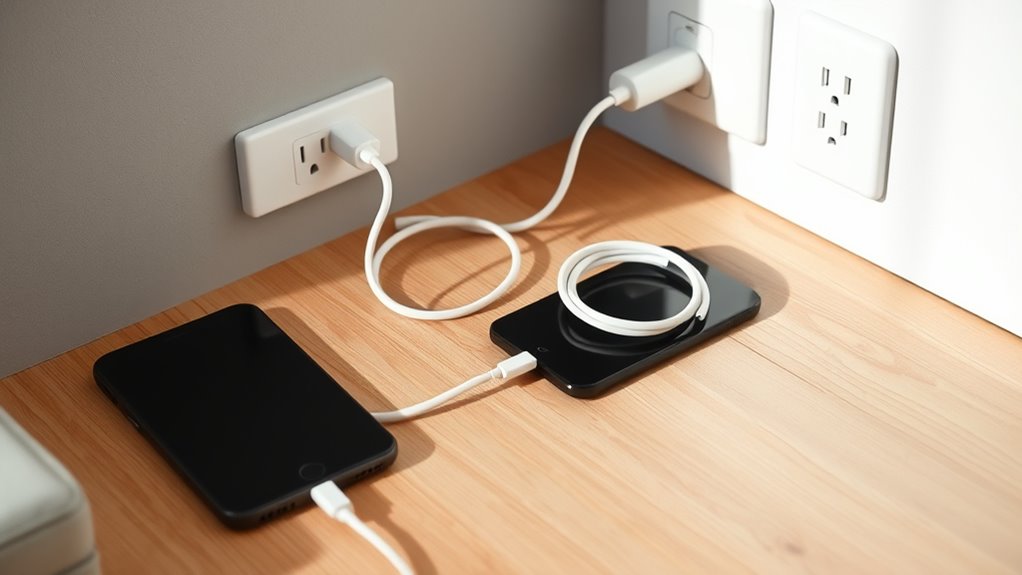

To keep your home safe while charging devices, organize cables neatly with clips or ties to prevent tangling and reduce tripping hazards. Avoid overloading outlets or daisy-chaining devices, as this can cause overheating or fires. Use reputable chargers and regularly check for damage or frays. Keep charging areas dry and free from moisture, and consider surge protectors for extra safety. For more tips on ensuring your home’s cable safety, continue exploring how to protect your space effectively.
Key Takeaways
- Organize cables with clips or ties to prevent tangling, tripping, and accidental disconnections.
- Regularly inspect chargers and cords for damage or wear, replacing damaged items immediately.
- Avoid overloading outlets and daisy-chaining devices to prevent overheating and electrical fires.
- Use certified, reputable chargers and keep charging areas dry and away from moisture.
- Implement surge protectors and maintain good cable management to ensure safe, reliable device charging at home.
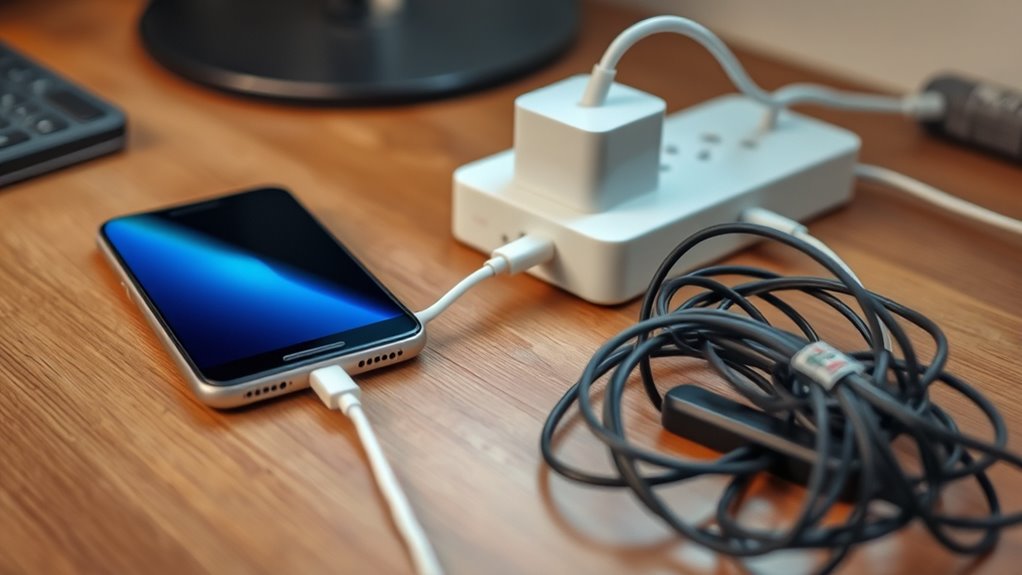
Have you ever considered how safe your home charging practices really are? Many people overlook the importance of proper cable management when plugging in devices, but it plays an essential role in preventing electrical hazards. Cluttered or tangled cords not only look messy but also create risks for trips, falls, and electrical malfunctions. When cables are left strewn across floors or draped over furniture, they can be accidentally yanked or damaged, exposing wires and increasing the chance of short circuits or electrical shocks. Good cable management involves organizing cords neatly, using clips or cable ties, and keeping excess length tucked away. This way, you minimize the risk of accidental disconnections, damage, or overheating, which can lead to dangerous situations.
Proper cable management prevents electrical hazards and keeps your home safe and organized.
Electrical hazards are a real concern when it comes to charging devices at home. Overloading outlets or using damaged chargers can cause sparks, fires, or shocks. Always check your charging cables for fraying or exposed wires before plugging them in. Damaged cords might seem minor but can be deadly if they cause a short circuit or spark. It’s also essential to avoid forcing chargers into incompatible outlets or daisy-chaining multiple devices into one socket. Overloading circuits can cause overheating, which, over time, may lead to electrical fires. Make sure your outlets are rated for your devices’ power needs and consider installing surge protectors to shield against voltage spikes.
Another key safety tip involves choosing quality chargers and cables. Cheap, uncertified accessories often lack proper insulation and safety features, increasing your risk of electrical hazards. Always opt for reputable brands and certified products that meet safety standards. Remember, using the right charger for your device ensures proper power delivery and reduces the chance of overheating or damage. When you unplug devices, do so gently by holding the plug rather than yanking the cord, which can weaken the connection and cause internal damage.
Furthermore, avoid charging devices in areas prone to moisture, such as bathrooms or near sinks, since water and electricity are a dangerous combination. Keep your charging stations dry and away from spills. If you notice any signs of damage or overheating, disconnect the device immediately and replace worn-out cables. Regularly inspecting your charging setup and maintaining good cable management not only prolongs the lifespan of your devices but also keeps your home safer. Taking these simple precautions can make a significant difference in preventing electrical hazards, ensuring you stay safe while staying connected.
Additionally, considering cable safety can help prevent common issues like overheating or damage that lead to hazards.

AMADA HOMEFURNISHING 8x10 Washable Area Rug, Low-Profile with Non-Slip Backing & Durable Edge Binding, Vintage Large Rugs for Living Room, Bedroom, Dining Room, Blue
Machine Washable: The short pile design of this washable rug is easy to maintain using an upright vacuum...
As an affiliate, we earn on qualifying purchases.
Frequently Asked Questions
Can Using Damaged Cables Cause Electrical Fires?
Yes, using damaged cables can cause electrical fires. When cable insulation is frayed or broken, exposed wires may spark or overheat. If the cable’s fuse ratings aren’t appropriate, it might not disconnect the power during a fault, increasing fire risk. Always inspect cables for damage, verify fuse ratings match your devices, and replace damaged cables promptly to prevent potential fires.
Are Wireless Chargers Safer Than Wired Ones?
Wireless charging isn’t inherently safer than wired options, but it reduces cable wear and tear, which can be a major fire hazard. With wireless charging, you eliminate the risk of damaged cables sparking fires—like a tiny electrical tornado in your home. While cable durability remains essential, wireless chargers offer a safer, more convenient alternative, especially if you’re tired of frayed cords that threaten your safety and gadgets alike.
How Often Should I Replace My Charging Cables?
You should replace your charging cables every 1 to 2 years, depending on their cable durability and how often you use them. Regular wear and tear, frayed wires, or difficulty connecting indicate it’s time for a replacement. Using damaged cables can pose safety risks and reduce charging efficiency. Keep an eye on signs of deterioration, and don’t hesitate to substitute cables to ensure safe, reliable charging.
Can Charging Multiple Devices at Once Overload the Circuit?
Charging multiple devices at once can overload your circuit if the total power draw surpasses your circuit breaker capacity. This risks tripping the breaker or causing electrical hazards. To stay safe, use power strip safety measures, such as avoiding daisy-chaining and checking the power ratings. Always guarantee your devices’ combined wattage stays within the circuit’s limits to prevent overloads and potential damage.
What Are the Signs of a Faulty Charging Port?
You’ll notice visual signs like burn marks, corrosion, or debris around the charging port, which indicate damage. Physical damage such as loose or wobbly connections, bent or broken pins, or a port that doesn’t hold the plug securely also signal a faulty charging port. If your device charges slowly or stops charging unexpectedly, these are additional signs. Always inspect your port regularly and replace it if you see any of these issues.

RELEANY Area Rugs 8'x10' Washable Non-Slip, Floral Vintage Distress Print Pattern Medallion Carpet for Living Room Bedroom Dining Room, Brick Red Rust Neutral Brown Burnt Orange Green
Machine Washable Rugs Easy to Clean: the surface is water-repellent which allows for easy cleanup when beverages are...
As an affiliate, we earn on qualifying purchases.
Conclusion
By taking these simple steps, you keep your home’s electrical system running smoothly, like a well-tuned engine. Think of your charging cables as tiny sparks—if mishandled, they can cause fires or damage. Stay vigilant, unplug devices when not in use, and avoid overloading outlets. With careful habits, you create a safe electrical dance—every cable and charger moving in harmony, ensuring your home stays bright and secure.

8x10 Area Rugs for Living Room: Floral Washable Rug Vintage Large Soft Boho Non-Slip Carpet Indoor Floor Stain Resistant Carpets for Bedroom Dining Room Farmhouse Nursery Home Office Dark Green
Elegant Floral Rug: This 8x10 area rugs vintage-inspired botanical rug blends rich dark greens, vibrant and delicate floral...
As an affiliate, we earn on qualifying purchases.

Veken 55 Inch Large Electric Standing Desk,Sit to Stand Up, Heights Adjustable, Work Home Office Computer Table for Study, Walking Pad, Writing, and Games, Wooden Desktop Desks, White
Elevate Your Workspace: Enjoy effortless height adjustment from 28.3" to 46.5" to seamlessly transition between sitting and standing...
As an affiliate, we earn on qualifying purchases.