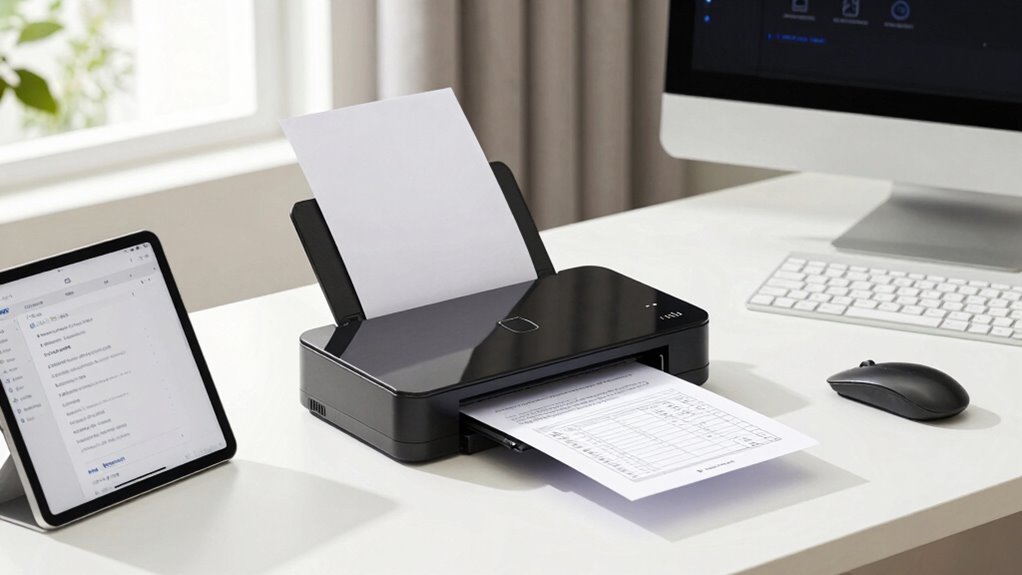
Switching to a paperless home system with a document scanner can greatly simplify your life. You can easily digitize papers using mobile apps or dedicated scanners, making it simple to organize bills, receipts, and important records. Cloud storage options guarantee your files are secure and accessible from anywhere. With these tools, you’ll reduce clutter, save time, and improve your overall organization. Keep exploring to discover how to set up your ideal paperless solution effectively.

Turn quiet afternoons into listening time
- Thousands of audiobooks, podcasts and originals
- Listen on your phone, tablet or Echo — also offline
- Cancel anytime
Key Takeaways
- Document scanners enable high-quality digitization, essential for creating an organized, searchable paperless home system.
- Mobile scanning apps provide quick, on-the-go digitization, enhancing flexibility and efficiency.
- Cloud integration ensures automatic backups and easy access to digital documents across devices.
- Choosing scanners with duplex and adjustable settings improves versatility and speeds up digital archiving.
- Transitioning to a paperless system reduces clutter, minimizes document loss risk, and improves overall digital organization.
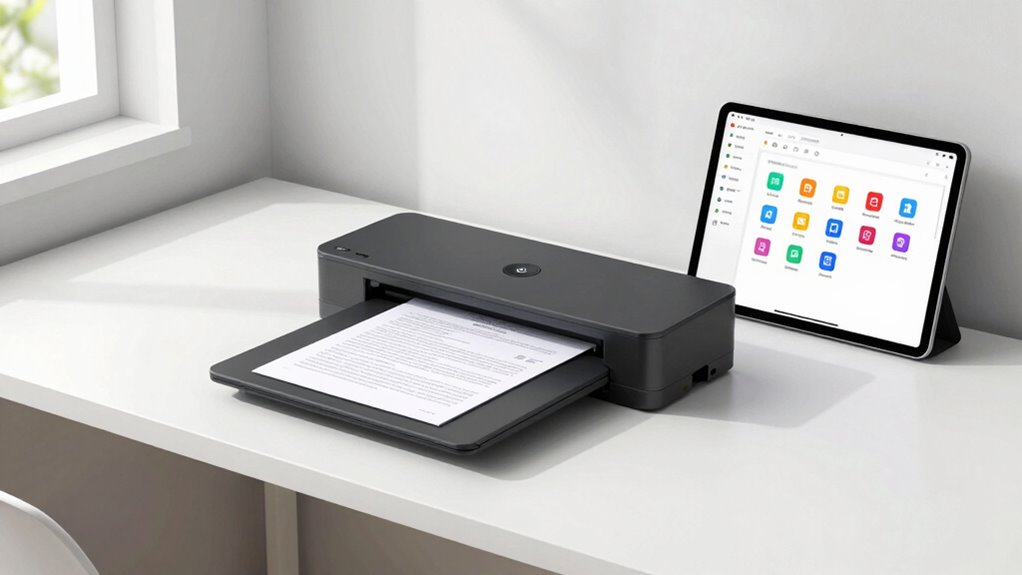
In today’s digital age, moving to a paperless home system can greatly simplify your life, and document scanners play an essential role in making that shift seamless. By using a scanner, you can convert physical documents into digital files, creating an organized digital archive that’s easy to access and manage. Digital archiving becomes straightforward when you can quickly scan and store papers like bills, receipts, warranties, and important records. This not only saves space but also reduces the risk of losing critical documents over time. With the right scanner, you can quickly transform mountains of paper into neat, searchable digital files, making retrieval effortless and efficient.
Mobile scanning takes this convenience even further. Instead of being tethered to a desktop scanner, you can use your smartphone or tablet to scan documents on the go. Many scanners now come with companion apps that allow you to capture high-quality images of documents directly from your mobile device. This is especially helpful when you’re away from home or need to digitize documents quickly. Mobile scanning apps often include features like OCR (Optical Character Recognition), which converts images into editable and searchable text, streamlining your digital archiving process. Imagine scanning a handwritten note or a receipt during your lunch break and instantly saving it into your organized digital system — that’s the power of mobile scanning.
When selecting a document scanner for your home, consider one that offers both high-resolution scanning and easy integration with cloud storage services. Cloud-based platforms like Google Drive, Dropbox, or OneDrive enable you to back up your digital files automatically, ensuring their safety and accessibility from any device. This integration makes your digital archiving process smooth and hassle-free, removing the need for manual file transfers or complicated setups. Additionally, look for features like duplex scanning to save time when digitizing double-sided documents, or adjustable settings for different paper sizes and types to maximize versatility. Incorporating cloud storage integration can further enhance your digital organization and security.
Ultimately, a good document scanner becomes your essential tool for establishing a truly paperless home system. It empowers you to create a digital archive that’s organized, searchable, and accessible anytime you need it. Mobile scanning makes this process even more flexible, allowing you to digitize documents at your convenience, no matter where you are. By embracing these technologies, you’re not just reducing clutter—you’re creating a smarter, more efficient way to handle your documents and protect your important information. Understanding digital archiving is key to making the most of your scanning setup and ensuring your documents are well-preserved and easily retrievable. As you improve your digital organization, you also gain a clearer understanding of cognitive benefits associated with efficient data management and reduced paper clutter.
Products Worth Considering

Hyperice Hypervolt Go 3 Portable Percussion Massage Gun with Carry Case

Philips Sonicare 5950 Rechargeable Electric Toothbrush with 2 Brush Heads, Pink

Oura Ring 5 Smart Ring – Stealth, Size 11
As an affiliate, we earn on qualifying purchases.
Frequently Asked Questions
How Secure Are Digital Documents Stored on Home Systems?
Digital documents stored on your home systems can be quite secure if you use strong security measures. Cloud encryption protects your data during transfer and storage, making it harder for hackers to access. User authentication, like strong passwords or two-factor authentication, adds another layer of security. However, you should stay vigilant, keep your software updated, and regularly review your security settings to safeguard your sensitive information effectively.
What Is the Best Scanner for High-Volume Document Processing?
You should choose a high-volume scanner with a fast scanning speed and high optical resolution, like the Fujitsu fi-7160 or Brother ADS-2800W. These models handle large workloads efficiently, ensuring quick scans without sacrificing quality. Look for features like automatic document feeders and reliable connectivity options. Prioritize models that balance speed and resolution, so you can process many documents smoothly while maintaining clear, legible digital copies.
Can Paperless Systems Integrate With Existing Home Automation Devices?
Imagine your home automation devices dancing in harmony, seamlessly connected through a digital symphony. Yes, paperless systems can integrate with your existing devices, allowing cloud synchronization and secure user authentication to create a unified smart home experience. You’ll effortlessly manage documents and automation routines, feeling empowered by technology that adapts to your lifestyle. This integration transforms your home into a streamlined sanctuary, where convenience and security blend like a perfectly choreographed ballet.
How Do I Ensure Long-Term Digital File Preservation?
To guarantee long-term digital file preservation, you should create regular digital backups and keep multiple copies in different locations, like cloud storage and external drives. Organize your files with clear, consistent naming conventions and folder structures to make future retrieval easier. Regularly update and verify your backups to prevent data loss, and consider using file formats that are widely supported and unlikely to become obsolete over time.
Are There Eco-Friendly Options for Paperless Home Systems?
You can absolutely choose eco-friendly options for your paperless home system. Look for scanners made from eco-friendly materials and support brands that use renewable energy during manufacturing. These systems substantially reduce paper waste and minimize your carbon footprint. Opting for energy-efficient models helps conserve resources, and many companies now prioritize sustainable practices, making your move toward a greener home feel like saving the planet with every scan.
Conclusion
Embracing a paperless home is like opening a window to fresh breezes in a cluttered room—cleansing, invigorating, and full of promise. With your document scanner as a trusted compass, you navigate the digital landscape, transforming chaos into clarity. Each scan is a step toward freedom, turning mountains of paper into a streamlined symphony. As you embrace this journey, remember: a tidy home is a sanctuary where peace and productivity flourish, waiting to blossom.