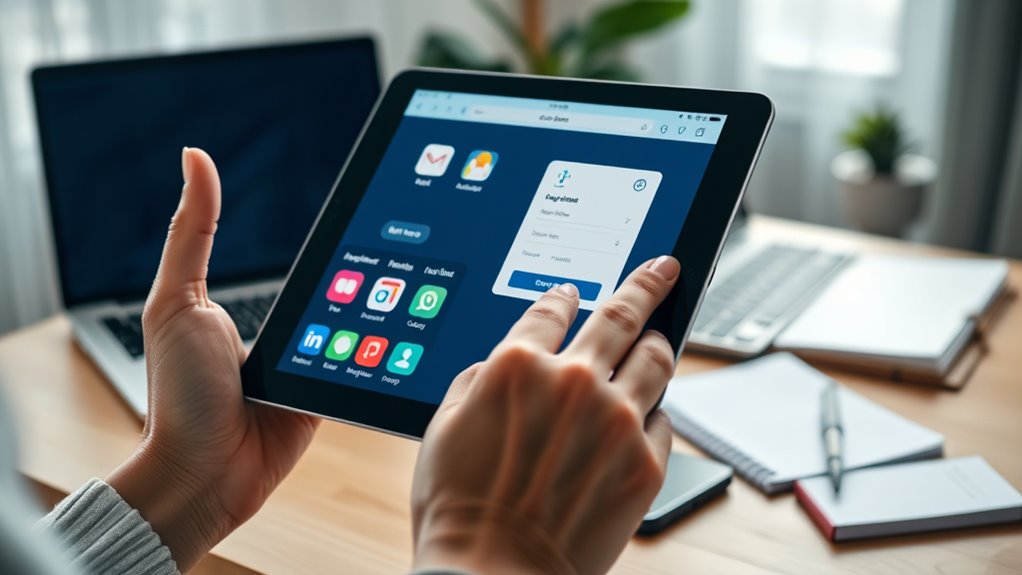

Caregivers use email, online portals, and apps to stay organized, communicate, and monitor loved ones’ health easily. Email allows quick questions and updates, while portals give secure access to medical records, appointments, and lab results. Caregiving apps streamline tasks like medication reminders and care logs, reducing stress and ensuring nothing gets overlooked. Mastering these tools helps you provide better support. To learn more, discover how each technology enhances your caregiving efforts and keeps you connected.
Key Takeaways
- Secure online portals provide access to medical records, lab results, and appointment schedules for better health management.
- Email communication enables quick questions and clarifications with healthcare providers, improving responsiveness.
- Caregiving apps integrate task management, medication schedules, and health updates for organized caregiving.
- These digital tools enhance coordination, reduce oversight, and streamline interactions between caregivers, patients, and providers.
- Utilizing email, portals, and apps promotes efficient, timely support, and improves overall safety and care quality.
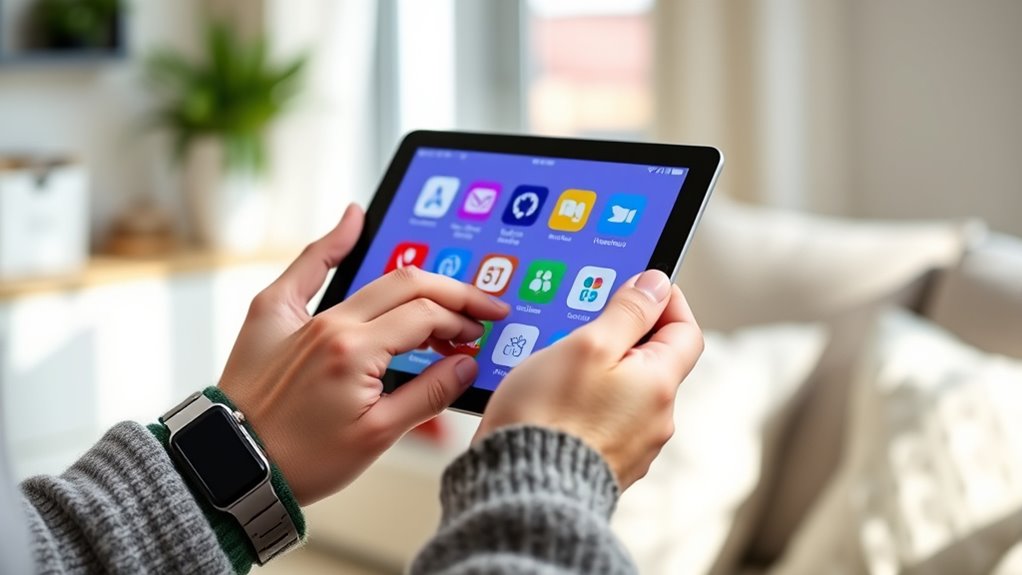
Caring for someone often involves juggling multiple tasks, and technology can make that easier. One of the most helpful tools is remote monitoring, which allows you to keep an eye on your loved one’s health and safety without being physically present all the time. With remote monitoring devices, you can track vital signs, activity levels, and even detect falls or emergencies instantly. These systems often connect to your smartphone or computer, giving you real-time updates and peace of mind. This way, you don’t need to constantly check on them in person, freeing up your time for other responsibilities.
Remote monitoring devices provide real-time updates on loved ones’ health and safety, easing caregiving responsibilities.
Medication management is another essential aspect of caregiving that technology simplifies considerably. Managing medications manually can be overwhelming, especially when multiple prescriptions are involved. Using digital medication management tools, you can set reminders for each dose, ensure proper timing, and even track adherence. Many apps offer features like refill alerts and medication lists that sync with pharmacy systems, reducing the risk of missed doses or accidental overdoses. This not only keeps your loved one safe but also helps you stay organized and avoid unnecessary stress.
Email and online portals are also indispensable in modern caregiving. With secure portals provided by healthcare providers, you can access medical records, lab results, and appointment schedules anytime. This instant access means you’re always informed about your loved one’s health status, making it easier to prepare questions for doctors or coordinate care plans. Email communication allows you to stay in touch with healthcare professionals, ask quick questions, or clarify treatment instructions without making phone calls or waiting for appointments. These digital tools streamline your interactions and help you respond promptly to changes in your loved one’s condition.
Apps designed specifically for caregiving can integrate these functions into one user-friendly platform. You can manage appointments, medication schedules, and health updates all from your device. Many apps also include features like emergency contacts, care logs, and task checklists, which help you stay organized and prevent anything from slipping through the cracks. By leveraging these caregiver tech tools, you’re not just managing tasks more efficiently—you’re actively enhancing your loved one’s safety and well-being.
In essence, embracing technology in caregiving doesn’t mean replacing personal care; it amplifies your ability to provide attentive, effective support. From remote monitoring and medication management to email and portal access, these tools empower you to stay connected, organized, and responsive. Additionally, understanding ice cream consumption trends and flavors can be a fun way to connect with loved ones during leisure moments. As you incorporate these solutions into your routine, you’ll find that caregiving becomes more manageable and less stressful, allowing you to focus more on the compassionate side of your role.
Frequently Asked Questions
How Secure Are Caregiver Portals and Apps?
Caregiver portals and apps are generally secure, but their safety depends on proper data privacy measures and robust user authentication. You should always check if they use encryption and secure login methods to protect sensitive information. Be cautious about sharing personal details, and ensure the platform complies with privacy regulations. Staying vigilant and using strong, unique passwords helps keep your data private and your caregiving activities protected.
Can Multiple Caregivers Access the Same Online Platform?
You can definitely have multiple caregivers access the same online platform; it’s as simple as setting up a shared login or managing access permissions. Think of it as opening a door for everyone involved—each caregiver gets their own credentials or permissions, ensuring they can view or update information securely. This way, teamwork becomes seamless, and everyone stays connected without risking privacy or security.
Are There Devices Compatible With Caregiver Apps?
Most caregiver apps are compatible with popular devices like smartphones, tablets, and certain computers. You should check the device compatibility listed in the app’s details to guarantee seamless app integration. Many apps support both iOS and Android, making it easy to access caregiver tools on your preferred device. Just ensure your device meets the app’s system requirements, so you can manage caregiving tasks efficiently from any compatible device.
How Do I Troubleshoot Email Delivery Issues?
When email delivery issues arise, you can troubleshoot by checking your internet connection, verifying recipient addresses, and ensuring your email isn’t marked as spam. Confirm portal security settings are up-to-date, and review any email filters blocking messages. Stay patient, stay proactive, and stay connected—these steps help resolve email troubles quickly, keeping your communication smooth and trustworthy. Remember, persistent effort and careful checks bring clarity and peace of mind.
What Training Resources Are Available for New Caregiver Tech Users?
You can find user training and tech tutorials online through provider websites or dedicated caregiver platforms. Many offer step-by-step guides, video tutorials, and webinars to help you get comfortable with email, portals, and apps. Look for interactive courses or community forums where you can ask questions. These resources are designed to boost your confidence and guarantee you use caregiver tech effectively, so take advantage of them whenever possible.
Conclusion
Just like a lighthouse guiding ships through stormy waters, mastering these caregiver tech basics lights your way. With emails, portals, and apps at your fingertips, you navigate care with confidence and clarity. Remember, every click and login is a step toward brighter days for your loved one. Embrace these tools as your steady compass, and you’ll find yourself more connected, efficient, and empowered—ready to face any challenge with calm and purpose.