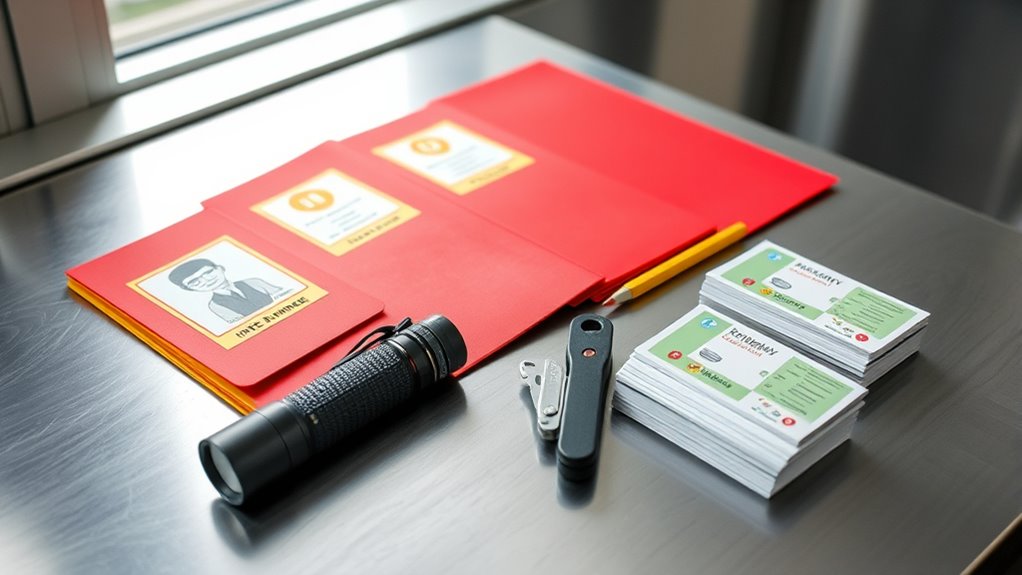

To organize your emergency documents, keep physical copies in a fireproof, waterproof safe and label folders clearly for quick access. Store digital backups securely with strong passwords, two-factor authentication, and encryption. Regularly review and update your files, especially after major life events, while ensuring backups are current and off-site. Maintaining an organized system helps you respond faster during crises. Keep learning to discover effective tips for safeguarding your essential information even better.
Listen free for 30 days with Audible
Thousands of audiobooks and originals — cancel anytime.
As an affiliate, we earn on qualifying purchases.
Key Takeaways
- Keep all critical documents organized in labeled folders or binders for quick access during emergencies.
- Store physical copies in fireproof, waterproof safes; create digital backups for added security.
- Regularly review and update your emergency files to reflect current information and life changes.
- Use strong passwords and encryption for digital records; enable two-factor authentication for added protection.
- Maintain an updated master list of stored documents and store copies off-site with trusted individuals or safe deposit boxes.
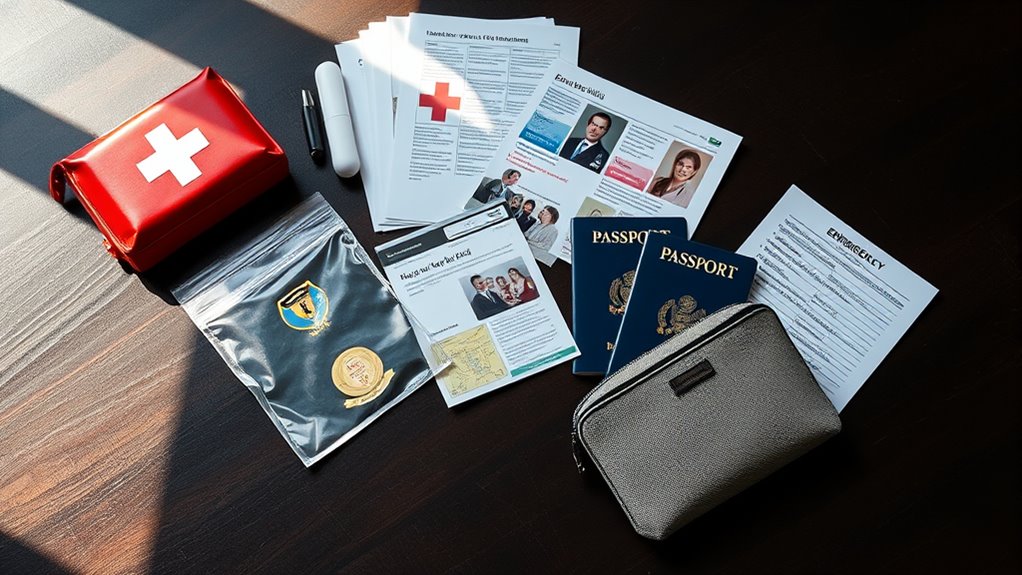
Having the right emergency documents ready can make all the difference during a crisis. When unexpected events strike—whether a natural disaster, medical emergency, or unforeseen accident—you need quick access to essential information. Organizing your emergency documents ensures you’re prepared and can respond effectively. But it’s not just about having the paperwork; digital security and document storage play critical roles in safeguarding your essential records.
Digital security is paramount when managing your emergency documents online. Many people store important files in digital formats for quick access and convenience. However, without proper security measures, these files are vulnerable to cyber threats, hacking, or accidental loss. To protect your sensitive information, use strong, unique passwords for your cloud storage accounts and enable two-factor authentication whenever possible. Consider encrypting your digital files, especially those containing personal identification, financial details, or medical records. Cloud storage services often offer encryption options, but you can also use third-party encryption tools to add an extra layer of security. Regularly updating your passwords and security settings helps keep your digital documents safe from unauthorized access.
Secure your emergency documents with strong passwords, two-factor authentication, and encryption to prevent cyber threats and unauthorized access.
Document storage isn’t just about digital files; it’s equally important to maintain physical copies in a safe, accessible location. Choose a fireproof, waterproof safe or a secure lockbox to store your hard copies. Make sure that these documents are organized and easy to find, so you’re not scrambling during an emergency. Keep a master list of what’s stored where, and update it regularly. Having a dedicated folder or binder labeled “Emergency Documents” can streamline the process when you need to grab them quickly. Remember, your physical documents should include essentials like identification, insurance policies, medical records, emergency contacts, and legal documents.
It’s also wise to create both digital and physical backups of your most critical documents. Keep a copy stored securely off-site—such as at a trusted family member’s house or a safe deposit box—so that you’re covered if your primary storage location is compromised. Make it a habit to review and update your emergency document kit periodically, especially after significant life events like moving, changing insurance policies, or updating legal papers. Additionally, understanding privacy policies related to your digital storage solutions can help you make informed decisions about how your data is protected.
fireproof waterproof safe for documents
As an affiliate, we earn on qualifying purchases.
As an affiliate, we earn on qualifying purchases.
Frequently Asked Questions
How Often Should I Update My Emergency Documents?
You should update your emergency documents at least once a year, or whenever there’s a major life change. Regularly review your sharing checklist to make certain everyone has current info. Set a reminder to update your documents and sharing list to keep them accurate. This frequent updating helps you stay prepared, reduces confusion, and guarantees your loved ones can access essential information quickly when needed.
What Digital Formats Are Recommended for Emergency Documents?
For your emergency documents, use PDF or JPEG formats for universal access and easy sharing. Store these files in cloud storage services like Google Drive or Dropbox, guaranteeing you enable strong encryption methods such as two-factor authentication and password protection. This way, your documents stay secure yet accessible when needed. Regularly update and back up these digital files to prevent data loss and ensure they’re always current during emergencies.
How Can I Securely Store Physical Copies of Important Documents?
You should use secure storage like fireproof containers to protect your important documents. Store these containers in a safe, easily accessible location, such as a locked cabinet or a designated safe room. Consider keeping copies in a different secure spot as a backup. Regularly check the containers for damage or tampering, and update your documents periodically to guarantee all information remains current and protected.
Who Should I Designate as My Emergency Contact?
Think of your emergency contact as the anchor in your communication plan, holding everything steady during chaos. You should choose someone who knows your family safety priorities, is reliable, and can quickly relay information. This person could be a close family member or trusted friend. Make sure they’re aware of your plans, so in emergencies, your message stays clear, and your loved ones stay connected and safe.
What Legal Considerations Are Involved in Organizing Emergency Documents?
You need to guarantee your emergency documents comply with legal requirements and respect privacy considerations. This means storing important info securely, following laws like HIPAA if applicable, and using protected methods to share sensitive details. Keep documents updated to reflect current legal standards, and clearly designate authorized individuals. By doing so, you protect your privacy while ensuring legal compliance, making it easier for loved ones or authorities to access vital info when needed.
Conclusion
Think of your emergency documents as a sturdy lighthouse guiding you through life’s storms. When chaos erupts, these organized papers become your beacon, illuminating your path and leading you safely ashore. Keep them ready, so you’re never lost in the fog of uncertainty. With your essential papers in place, you’ll navigate emergencies with confidence, knowing you’ve built a solid foundation—your guiding light—ready to shine when you need it most.
NFL season / tailgating Picks
team gear
As an affiliate, we earn on qualifying purchases.