
Mesh Wi-Fi systems guarantee reliable, seamless coverage throughout your entire home by creating a unified network. They minimize dead zones, reduce lag, and keep your devices connected smoothly, even with many devices in use. Proper placement of the main router and satellite nodes is key to maximizing signal strength and stability. By setting up your mesh system correctly, you’ll enjoy consistent internet for streaming, working, and gaming everywhere. To discover how to optimize your setup further, keep exploring.
Key Takeaways
- Mesh Wi-Fi systems provide seamless coverage by creating a unified network across the entire home.
- Proper placement of routers and satellite nodes ensures optimal signal strength and minimizes dead zones.
- They automatically connect devices to the strongest node, maintaining stable and fast internet throughout the house.
- Dynamic traffic management prevents slowdowns, supporting multiple devices for streaming, gaming, and working.
- Correct setup maximizes coverage, reduces weak spots, and ensures reliable internet for all home activities.
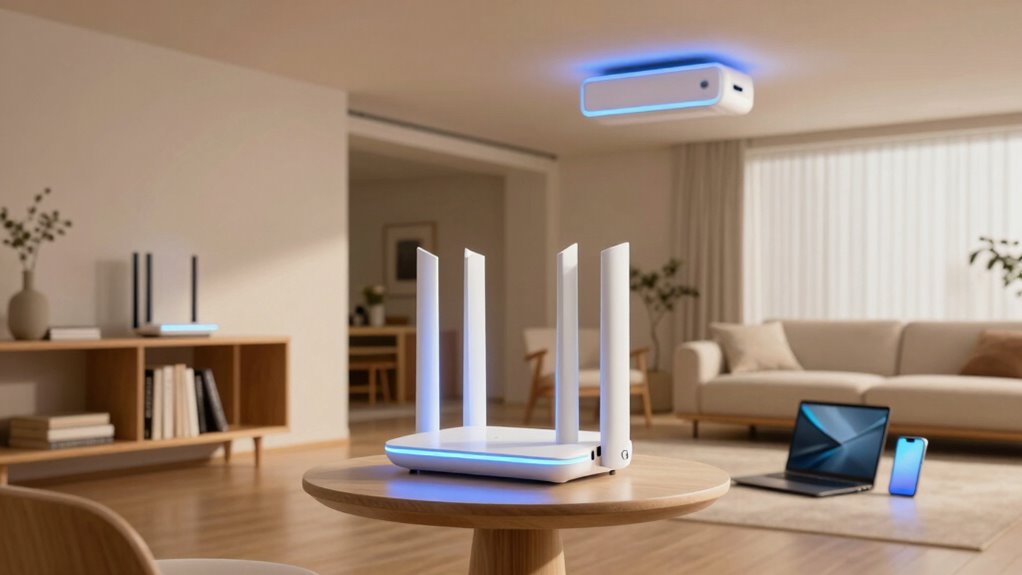
In today’s connected world, having reliable Wi-Fi throughout your entire home is essential, especially as devices multiply and streaming demands increase. A mesh Wi-Fi system offers a seamless way to achieve consistent coverage, but understanding how it works can help you get the most out of your investment. The key to success lies in proper device installation and maintaining signal stability across all areas of your home. When you set up a mesh system, you’re not just adding multiple devices; you’re creating a unified network that communicates intelligently to deliver fast, reliable internet everywhere. This setup minimizes dead zones and reduces lag, ensuring your devices stay connected without interruptions.
Device installation in a mesh Wi-Fi system is straightforward, but paying attention to placement makes a significant difference in signal stability. You typically start with the primary router, connecting it to your modem, then position the satellite nodes around your home. It’s best to place these nodes in open areas, away from thick walls or metal objects that can interfere with the signal. You might need to experiment with different locations to find the sweet spot where coverage and performance are optimal. Many mesh systems come with guidance or apps that help you test signal strength during setup, making it easier to fine-tune the placement. Additionally, understanding the mesh network topology can help you optimize coverage and performance further.
Proper placement of nodes is key to maximizing signal stability and coverage in a mesh Wi-Fi system.
Once installed correctly, a mesh Wi-Fi system provides stable signals by creating a single network with multiple access points. Instead of your devices constantly switching between different networks or struggling with weak signals, they automatically connect to the nearest or strongest node. This dynamic connection ensures your internet remains steady, whether you’re streaming 4K content in the living room, working remotely from your home office, or gaming in the basement. The system dynamically manages traffic, so devices don’t slow down each other, which is vital for households with many users or smart devices competing for bandwidth. Proper device placement is crucial for maintaining optimal performance, as it directly impacts signal strength and coverage.

TP-Link Deco S4 Mesh AC1900 WiFi System – Up to 5,500 Sq.ft. Coverage, Replaces WiFi Router and Extender, Gigabit Ports, Works with Alexa, Deco S4(3-Pack)
- WiFi Technology: Deco Mesh for faster speeds
- Coverage Area: Up to 5,500 sq.ft.
- Mesh Network: Seamless, stable WiFi coverage
As an affiliate, we earn on qualifying purchases.
As an affiliate, we earn on qualifying purchases.
Frequently Asked Questions
How Do Mesh Wi-Fi Systems Handle Device Prioritization?
Mesh Wi-Fi systems handle device prioritization through bandwidth management, ensuring important devices get the necessary speed. You can often set priorities via the system’s app, allowing seamless device synchronization to favor your work laptop or streaming device. This way, your network allocates resources efficiently, reducing interruptions and lag. By managing bandwidth and prioritization, mesh systems keep your essential devices running smoothly without sacrificing overall network performance.
Can Mesh Networks Improve Security for My Smart Home Devices?
Yes, mesh networks can improve your smart home device security by enhancing network encryption and device authentication. They create a more secure, seamless connection across your home, reducing vulnerabilities. With encrypted data transmission, your devices stay protected from eavesdropping. Plus, advanced authentication protocols guarantee only trusted devices connect. This layered security helps prevent unauthorized access, giving you peace of mind while managing your smart home ecosystem.
Are Mesh Wi-Fi Systems Suitable for Large Households With Many Devices?
Yes, mesh Wi-Fi systems are suitable for large households with many devices. They offer excellent device compatibility, allowing multiple smart gadgets, phones, and computers to connect seamlessly. Plus, their network scalability lets you add more nodes as your household grows or as your internet needs increase. This guarantees consistent coverage, faster speeds, and reliable connections across your entire home, making them ideal for busy, device-heavy environments.
How Do I Troubleshoot Connectivity Issues in a Mesh Network?
Imagine your network as a busy highway—firmware updates are the traffic lights, keeping everything flowing smoothly. To troubleshoot connectivity issues, first, check for firmware updates to fix bugs and improve performance. Then, look out for signal interference from other devices or thick walls that block signals. Move your nodes closer, reduce interference sources, and restart your system. These steps clear the roadblocks, restoring your home’s internet flow.
What Is the Average Lifespan of a Mesh Wi-Fi System?
A typical mesh Wi-Fi system lasts around 3 to 5 years, but this can vary. Regularly updating the firmware helps extend its lifespan by improving security and performance. Keep an eye on the signal range; over time, it may decrease due to hardware aging or interference. Replacing components or upgrading your system when performance drops considerably ensures you maintain reliable whole-home coverage.
Conclusion
With a mesh Wi-Fi system, you’ll experience coverage so seamless and reliable, it’s like having a network that reaches every corner of your home—no dead zones, no interruptions, just pure connectivity. Say goodbye to buffering and lag, and hello to a Wi-Fi experience so powerful, it feels like your entire house is wired with lightning-fast internet. Embrace the future of home connectivity and enjoy a truly connected life that’s faster, smoother, and more effortless than ever before.