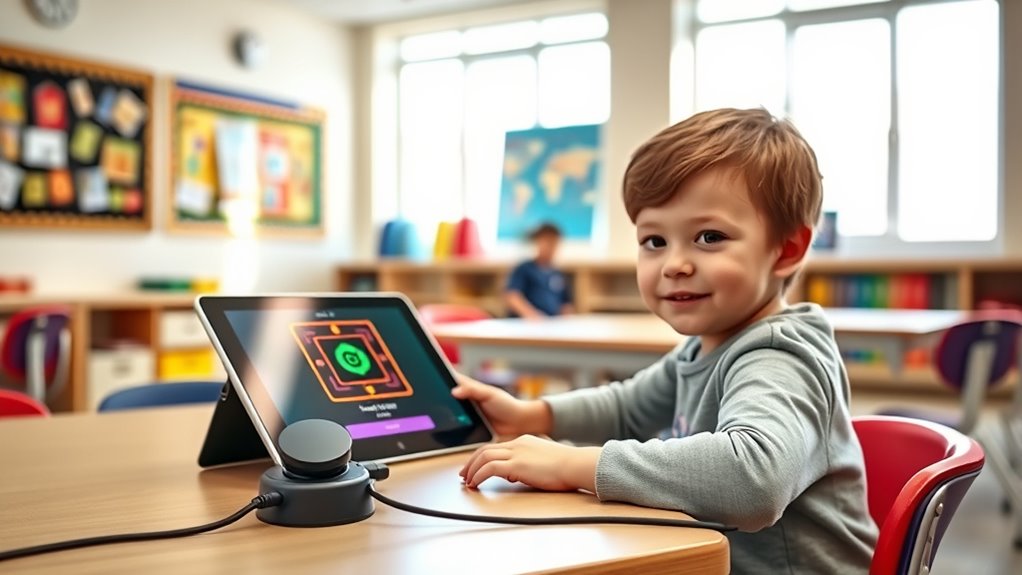

Switch access and scanning are assistive technologies designed to help you control devices and communicate more easily, especially if you have limited mobility. You use a physical switch to activate commands, while scanning highlights options automatically for you to select with minimal effort. These systems are customizable, allowing you to adjust speed and layout for comfort and efficiency. If you want to discover how to optimize these tools for your needs, keep exploring the details.
Key Takeaways
- Switch access enables users with limited mobility to operate devices through simple physical inputs.
- Scanning highlights options sequentially, allowing users to select with minimal effort.
- User interfaces should be simple, high contrast, and customizable for effective switch access.
- Proper design reduces cognitive load and enhances independence for users utilizing switch scanning systems.
- Adjusting scan speed and settings tailors the system to individual needs and improves usability.

Switch access and scanning are essential tools that help individuals with limited mobility communicate and interact with their environment. These technologies enable users to operate devices, select options, and control their surroundings through simple, accessible methods. At the core of these systems is adaptive technology, which is designed to meet diverse needs and capabilities. By customizing input methods, switch access allows you to navigate devices efficiently, even if traditional input methods like keyboards or touchscreens are difficult or impossible to use. The key to making switch access effective lies in thoughtful user interface design. When interfaces are optimized, they reduce cognitive load, streamline navigation, and make it easier to find and select options.
In practice, switch access works by linking a physical switch or button to a device or computer. When you press the switch, it sends a signal that the device recognizes as a command, such as moving to the next item or selecting an option. Scanning takes this a step further by automatically highlighting or “scanning” through available choices, one at a time or in groups. When you see the desired option highlighted, you activate your switch to make a selection. This process allows you to control complex systems with minimal physical effort, which is especially important if you have limited mobility or fine motor control. Additionally, understanding the importance of user interface design can significantly improve the overall effectiveness of switch access systems.
Designing user interfaces for switch access involves creating layouts that are simple, consistent, and predictable. Large icons, high contrast, and clear labels help you quickly identify options. The interface should be responsive to your switch inputs, providing immediate feedback so you know when a command has been registered. Good user interface design also considers the timing of scanning, adjusting the speed to match your reaction time and comfort level. Customization options, such as adjusting scan speed or customizing button functions, empower you to tailor the system for your specific needs and preferences.

HOMBIX Extendable Dining Table, Transformer Folding Console Table for 10-12 People, Space Saving Dining Room Table for Apartments & Homes, Walnut
Features 5 removable extension leaves (35.4" x 19.7" each), allowing the table to expand from a compact 20.1"...
As an affiliate, we earn on qualifying purchases.
Frequently Asked Questions
Can Switch Access Be Customized for Individual Needs?
Yes, switch access can be customized to meet your individual needs. You can explore various personalization options, such as adjusting scan speeds, modifying switch activation methods, and customizing layouts, ensuring it aligns with your specific abilities. These options help you meet accessibility standards while providing a more comfortable and efficient experience. By tailoring switch access, you make technology more inclusive, empowering you to communicate and interact effectively.
What Are Common Challenges Faced With Scanning Techniques?
You might feel like maneuvering scanning techniques is an endless maze, but common challenges include managing motor skill difficulties and reducing cognitive load. These issues can make it hard to accurately select options or stay focused, leading to frustration. You may struggle with timing or coordinating switch activations, which complicates the process further. Overcoming these hurdles requires tailored strategies to simplify choices and support motor and cognitive demands.
How Do I Choose the Right Switch for My User?
To choose the right switch for your user, consider durability and ergonomic design. Pick a switch with strong durability so it withstands frequent use. Guarantee it has an ergonomic design that fits comfortably in their hand or under their finger, reducing fatigue. Test different options if possible, and involve the user in the selection to find the most comfortable and reliable switch tailored to their needs.
Is Switch Scanning Suitable for All Disabilities?
Switch scanning is like a universal key, but it isn’t perfect for everyone. While it promotes inclusive technology and aligns with universal design principles, it may not suit all disabilities. Some users might find it difficult to navigate or require alternative methods. You should consider individual needs and preferences, testing different options to guarantee access is truly inclusive. Not every user benefits equally from switch scanning, so personalized solutions are essential.
What Training Is Needed to Effectively Use Switch Scanning?
To effectively use switch scanning, you need proper switch training to develop your scanning proficiency. Focus on understanding how to activate the switch at the right time and recognize scanning patterns. Practice regularly to improve your reaction time and accuracy. Additionally, learn how to customize scanning settings to suit your needs. With consistent practice and guidance, you’ll become more comfortable and efficient in using switch scanning for communication.

41 in-78 in Extendable Dining Room Table for 4-8, Round Expandable Kitchen Table with Fluted Base, Modern Oval Dinner Tables for Dining Room Kitchen Living Room (Black)
【Versatile Expandable Design】This expandable round oval dining table transforms from a cozy 41-inch round table for 4 into...
As an affiliate, we earn on qualifying purchases.
Conclusion
Think of switch access and scanning as your trusty lighthouse, guiding you through the foggy night of communication barriers. Just like a lighthouse’s beam cuts through darkness to reveal the safe path ahead, these tools illuminate your options, helping you navigate choices with confidence. With patience and practice, you’ll find your way more smoothly, discovering new horizons and brighter days. Embrace this beacon of independence, and let it lead you toward greater connection and understanding.

STHOUYN Farmhouse Rustic Extendable Dining Room Table for 8 10, 70.9" (86.6") x 31.5", Rectangular Dinner Table for 6-10, Mid Century Modern Expandable Retractable Wooden Kitchen Table (Brown)
Rustic Farmhouse Dining Table: Extendable from 70.9" to 86.6" to comfortably seat 8-10 guests. The dark wood dining...
As an affiliate, we earn on qualifying purchases.

GarveeHome 63-83" Extendable Dining Table, Industrial Rectangular Dining Room Table for 6-8 People, Expandable Kitchen Table with Heavy Duty Metal Frame for Dining Room, Kitchen & Parties, Brown
【Extendable Dining Table for 6-8 People】:Elevate your home with this versatile dining room table that seamlessly expands from...
As an affiliate, we earn on qualifying purchases.